
Fast thumbnails and shrink-on-load
When generating thumbnails in production, do not fully decode the source image with NewImageFromFile and then call Resize. libvips provides a dedicated thumbnail pipeline that performs format-aware block shrinking during decoding (shrink-on-load), cutting peak memory and CPU cost by an order of magnitude on large inputs.
Executable thumbnail code across four interfaces
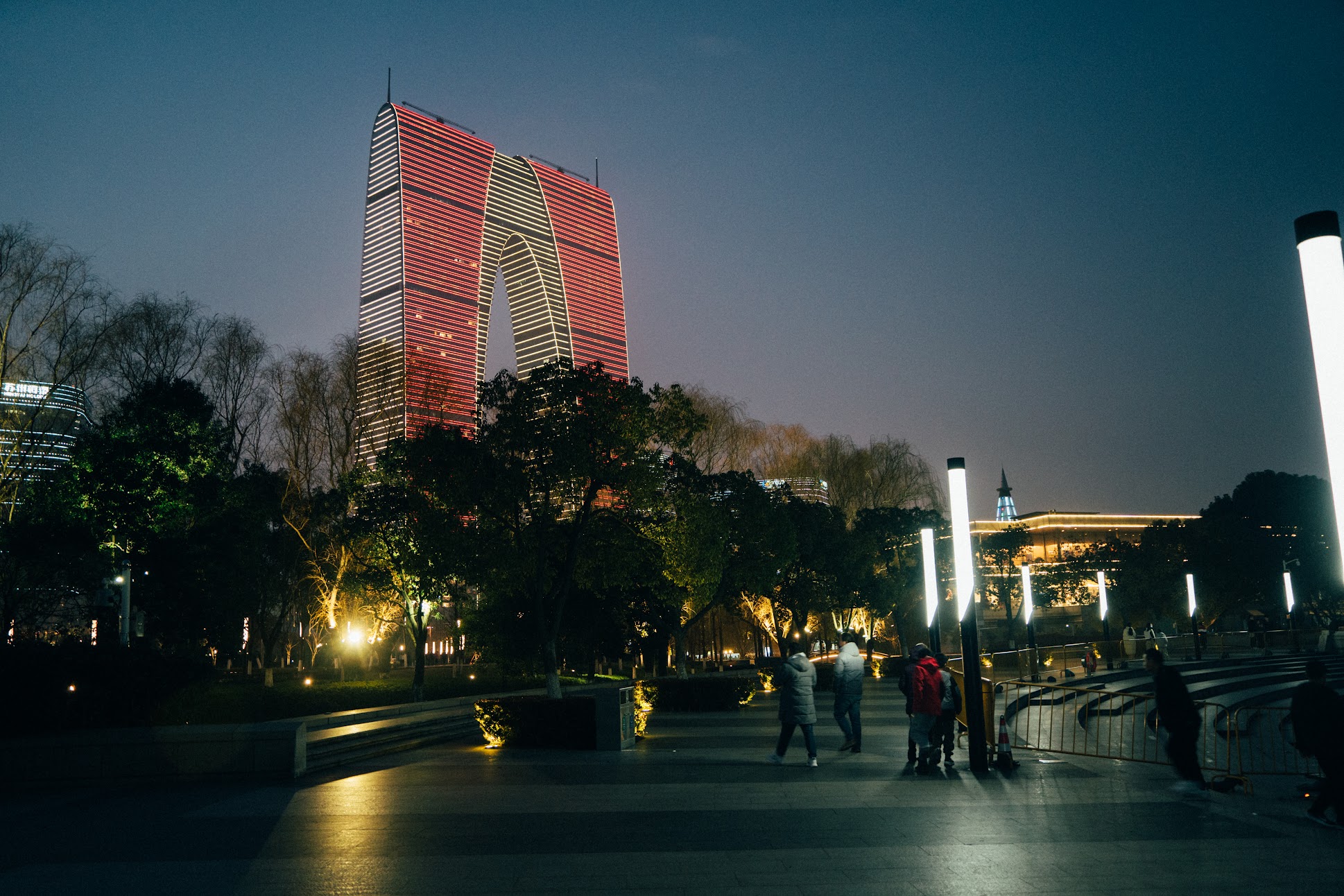
Section titled “Executable thumbnail code across four interfaces”The examples below downscale the 1938 × 1292 JPEG to fit within 640 × 427 without enlarging smaller images (SizeDown / withoutEnlargement: true) and export WebP at quality 82:
package main
import (    "fmt"    "os"
    "github.com/davidbyttow/govips/v2/vips")
func main() {    if err := vips.Startup(nil); err != nil {        fmt.Fprintln(os.Stderr, err)        os.Exit(1)    }    defer vips.Shutdown()
    // Load directly through the thumbnail pipeline to enable shrink-on-load    image, err := vips.NewThumbnailWithSizeFromFile(        "input.jpg",        640,        427,        vips.InterestingNone,        vips.SizeDown,    )    if err != nil {        fmt.Fprintln(os.Stderr, err)        os.Exit(1)    }    defer image.Close()
    params := vips.NewWebpExportParams()    params.Quality = 82    data, _, err := image.ExportWebp(params)    if err != nil {        fmt.Fprintln(os.Stderr, err)        os.Exit(1)    }    if err := os.WriteFile("output.webp", data, 0o644); err != nil {        fmt.Fprintln(os.Stderr, err)        os.Exit(1)    }}
import sharp from 'sharp';
// sharp enables fastShrinkOnLoad: true by default in resize()await sharp('input.jpg') .resize(640, 427, { fit: 'inside', withoutEnlargement: true, fastShrinkOnLoad: true, }) .webp({ quality: 82 }) .toFile('output.webp');import pyvips
# Call Image.thumbnail directly rather than new_from_file().thumbnail_image()image = pyvips.Image.thumbnail( "input.jpg", 640, height=427, size="down", crop="none",)image.write_to_file("output.webp", Q=82)#!/usr/bin/env bashset -euo pipefail
vips thumbnail input.jpg 'output.webp[Q=82]' 640 --height 427 --size down --crop noneWhy Thumbnail is much faster than Load + Resize
Section titled “Why Thumbnail is much faster than Load + Resize”Under the hood, vips_thumbnail coordinates five optimizations tailored for large-image downsampling:
- Format-aware shrink-on-load:
- JPEG: uses libjpeg DCT block scaling (
1/2,1/4, or1/8) during inverse DCT decoding. Downscaling a4000 × 3000JPEG to400 × 300decodes only1000 × 750pixels from libjpeg, skipping over 93% of full-resolution pixel decompression. - WebP / HEIF / AVIF: uses codec-level scaled decoding or embedded thumbnail extraction when available.
- SVG / PDF: computes the exact rasterization DPI for the target box instead of rendering a huge bitmap first.
- Pyramidal TIFF / OpenSlide: selects the sub-IFD level closest to the requested dimensions.
- JPEG: uses libjpeg DCT block scaling (
- Box pre-shrinking (
vips_shrink): rapidly block-averages pixels to an intermediate resolution just above the final box. - Premultiplied Lanczos3 reduction (
vips_reduce): if the image has an alpha channel, premultiplies alpha before running the separable Lanczos3 filter and unpremultiplies afterwards, preventing dark fringes along translucent edges. - Automatic EXIF orientation: applies EXIF Orientation rotation inside the thumbnail pipeline at the smaller resolution.
- Colour-profile awareness: transforms through embedded ICC profiles when requested.
Size constraint policies (Size)
Section titled “Size constraint policies (Size)”Control whether images smaller than the target box should be upscaled:
| Intent | govips vips.Size |
sharp ResizeOptions |
pyvips / vips CLI size |
|---|---|---|---|
| Downscale only, never enlarge (recommended) | vips.SizeDown |
withoutEnlargement: true |
"down" / --size down |
| Allow both downscaling and upscaling | vips.SizeBoth |
Default (both flags false) |
"both" / --size both |
| Upscale only, never shrink | vips.SizeUp |
withoutReduction: true |
"up" / --size up |
| Stretch to exact dimensions (ignore aspect ratio) | vips.SizeForce |
fit: 'fill' |
"force" / --size force |
Where to go next
Section titled “Where to go next”- To compare
fit insideandcoverbounding boxes, read Resize: fit, cover, and crop position. - To crop around salient subjects or automatically strip solid margins, continue to Smart crop, gravity, and automatic border trim.