
Resize with fit, cover, and crop position
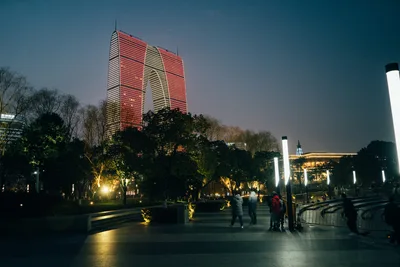
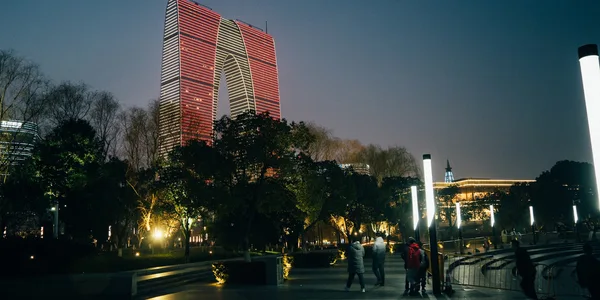
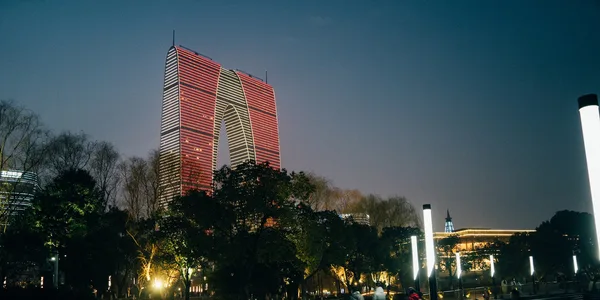
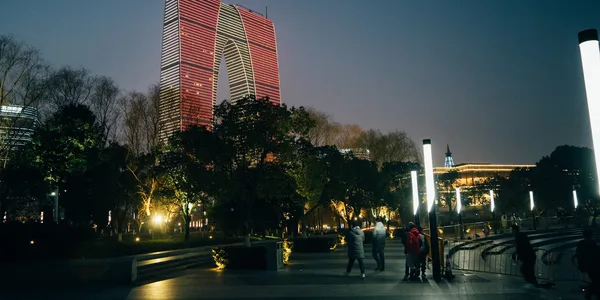
A resize starts by choosing the canvas, then the crop policy. fit inside places the whole frame inside 400 × 400 without enlargement. cover fills 600 × 300, so this landscape frame loses a strip from the top or bottom. The kept region can be the centre, the top edge, or a high-entropy area. A square cover on a landscape image would only crop the left and right sides, so north would not move the frame; the wider target makes the vertical crop visible.
Fixed-coordinate crops, arbitrary-angle rotation, and flips are covered in Basic geometry transforms: resize, crop, rotate, and flip.
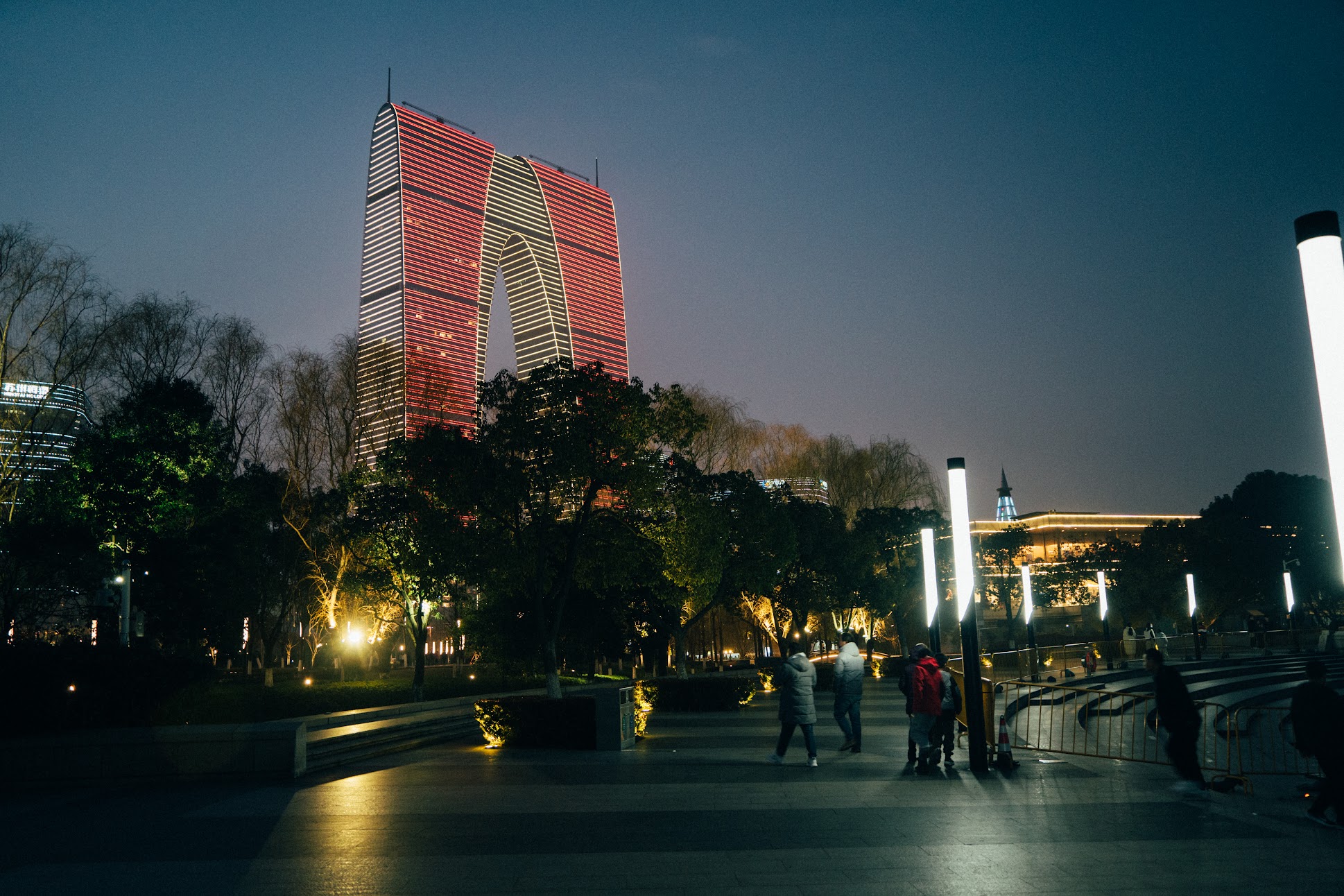
Four canvases
Section titled “Four canvases”The reference images come from govips v2.19.0 thumbnail loading on libvips 8.17.3, WebP quality 82, with enlargement disabled. north maps to libvips crop=low: on this wider target the crop is vertical, so the low coordinate keeps the top edge. sharp expresses the same product intent with position: "north".
if err := vips.Startup(nil); err != nil { return err }defer vips.Shutdown()
write := func(name string, width, height int, crop vips.Interesting) error {    image, err := vips.NewThumbnailWithSizeFromFile("input.jpg", width, height, crop, vips.SizeDown)    if err != nil { return err }    defer image.Close()    params := vips.NewWebpExportParams()    params.Quality = 82    data, _, err := image.ExportWebp(params)    if err != nil { return err }    return os.WriteFile(name, data, 0o644)}if err := write("fit-inside.webp", 400, 400, vips.InterestingNone); err != nil { return err }if err := write("cover-centre.webp", 600, 300, vips.InterestingCentre); err != nil { return err }if err := write("cover-north.webp", 600, 300, vips.InterestingLow); err != nil { return err }return write("cover-entropy.webp", 600, 300, vips.InterestingEntropy)
const jobs = [ ['fit-inside.webp', { width: 400, height: 400, fit: 'inside', withoutEnlargement: true }], ['cover-centre.webp', { width: 600, height: 300, fit: 'cover', position: 'centre', withoutEnlargement: true }], ['cover-north.webp', { width: 600, height: 300, fit: 'cover', position: 'north', withoutEnlargement: true }], ['cover-entropy.webp', { width: 600, height: 300, fit: 'cover', position: 'entropy', withoutEnlargement: true }],];for (const [name, resize] of jobs) { await sharp('input.jpg').resize(resize).webp({ quality: 82 }).toFile(name);}jobs = [ ("fit-inside.webp", "none", 400, 400), ("cover-centre.webp", "centre", 600, 300), ("cover-north.webp", "low", 600, 300), ("cover-entropy.webp", "entropy", 600, 300),]for name, crop, width, height in jobs: image = pyvips.Image.thumbnail("input.jpg", width, height=height, size="down", crop=crop) image.write_to_file(name, Q=82)vips thumbnail input.jpg 'fit-inside.webp[Q=82]' 400 --height 400 --size down --crop nonevips thumbnail input.jpg 'cover-centre.webp[Q=82]' 600 --height 300 --size down --crop centrevips thumbnail input.jpg 'cover-north.webp[Q=82]' 600 --height 300 --size down --crop lowvips thumbnail input.jpg 'cover-entropy.webp[Q=82]' 600 --height 300 --size down --crop entropyWhere the interfaces diverge
Section titled “Where the interfaces diverge”fit-inside is 400 × 267 and each cover variant is 600 × 300; all four are 3-band images without alpha. sharp uses its bundled libvips 8.18.7, while the other three use system libvips 8.17.3. An entropy crop depends on image content distribution, so do not assume it maps to fixed coordinates.
Whether a large thumbnail can stay on a sequential path depends on the access mode. See sequential access, random access, and materialisation.