
GIF 的 Quality 参数为何不生效
在 govips 中调整 GifExportParams.Quality 后,GIF 的体积和画面可能完全相同。下面直接用同一张自有照片生成静态 GIF,区分无效的旧字段和真正影响调色板编码的参数。
先观察实际输出
Section titled “先观察实际输出”输入统一缩放为 600×400,所有变体使用同一份像素。先比较 govips 的 Quality=10 与 Quality=90,再切换其他参数与入口。卡片中的参数、字节数和实际颜色数都来自这次输出,图片可以下载。
govips v2.20.0 / libvips 8.17.3
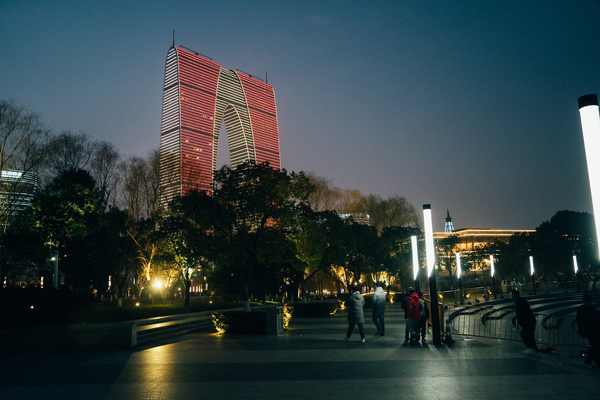
{"height":400,"width":600}ICC: 3048 字节下载实际输出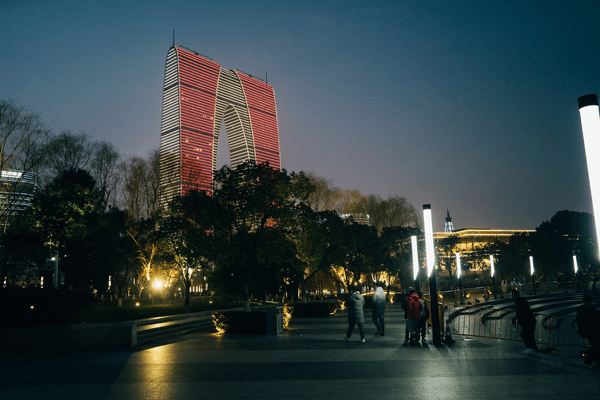
{"Bitdepth":8,"Dither":1,"Effort":7,"Quality":90}实际 RGB 颜色数:255下载实际输出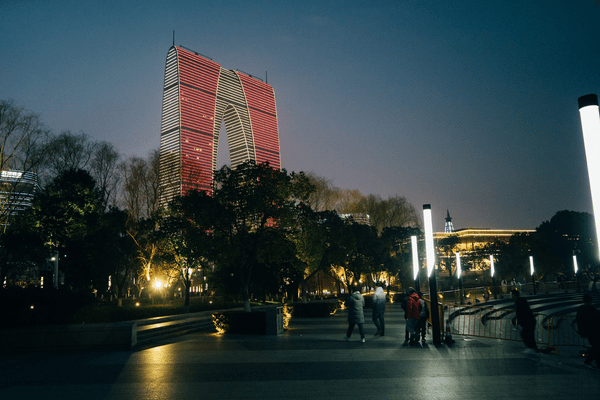
{"Bitdepth":8,"Dither":1,"Effort":7,"Quality":10}实际 RGB 颜色数:255下载实际输出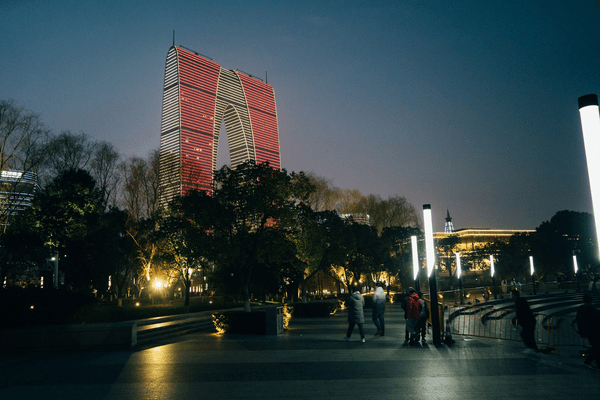
{"Bitdepth":8,"Dither":1,"Effort":7,"Quality":90}实际 RGB 颜色数:255下载实际输出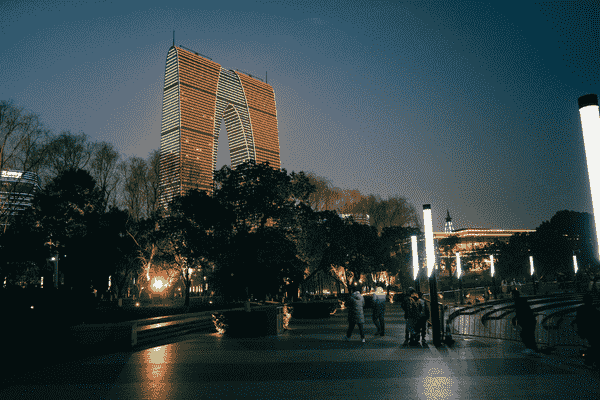
{"Bitdepth":4,"Dither":1,"Effort":7,"Quality":90}实际 RGB 颜色数:16下载实际输出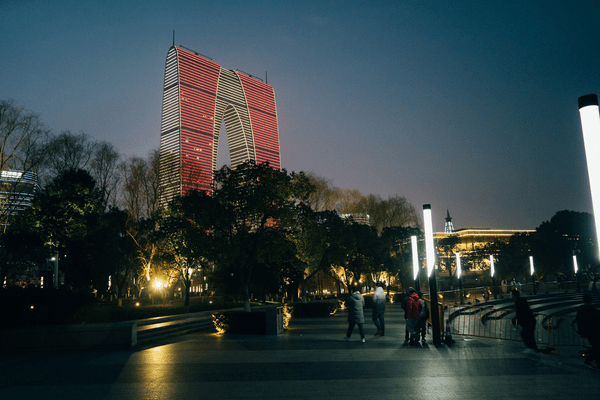
{"Bitdepth":8,"Dither":0,"Effort":7,"Quality":90}实际 RGB 颜色数:255下载实际输出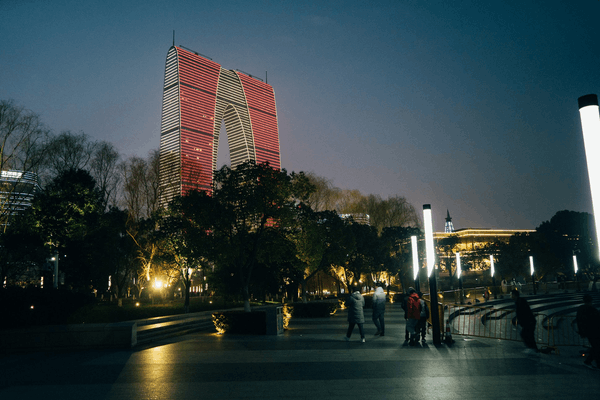
{"Bitdepth":8,"Dither":0.01,"Effort":7,"Quality":90}实际 RGB 颜色数:255下载实际输出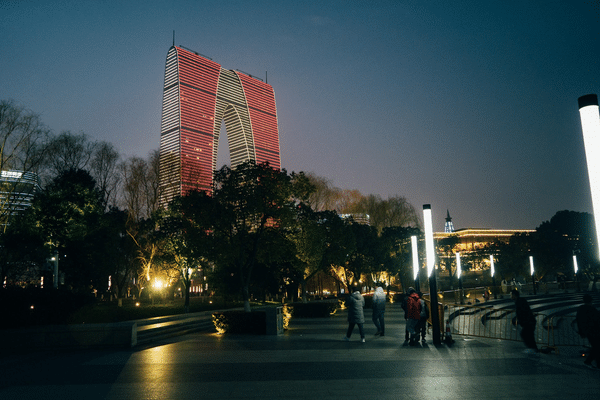
{"Bitdepth":8,"Dither":1,"Effort":1,"Quality":90}实际 RGB 颜色数:255下载实际输出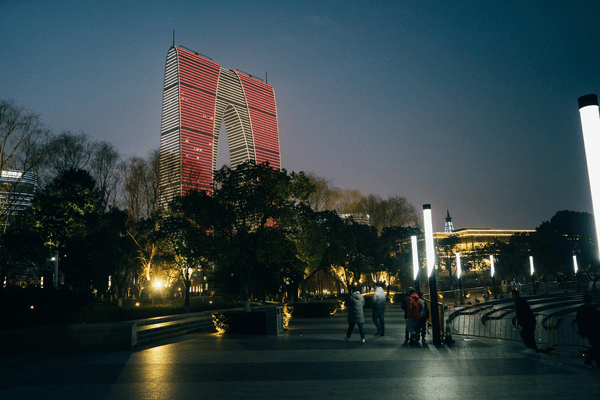
{"Bitdepth":8,"Dither":1,"Effort":10,"Quality":90}实际 RGB 颜色数:255下载实际输出sharp 0.35.5 / libvips 8.18.7
此入口没有 govips 的旧 Quality 字段;这里只比较它实际支持的 GIF 参数。
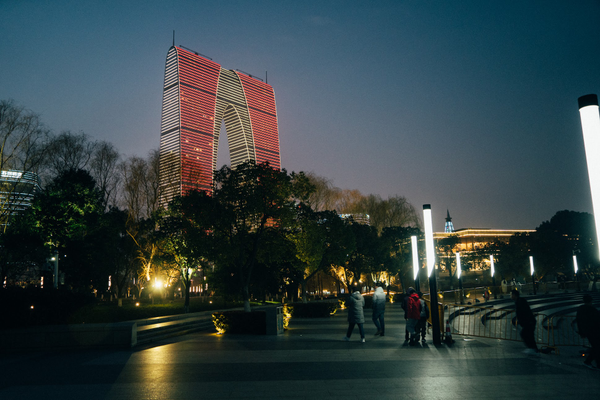
{"width":600,"height":400}ICC: 无下载实际输出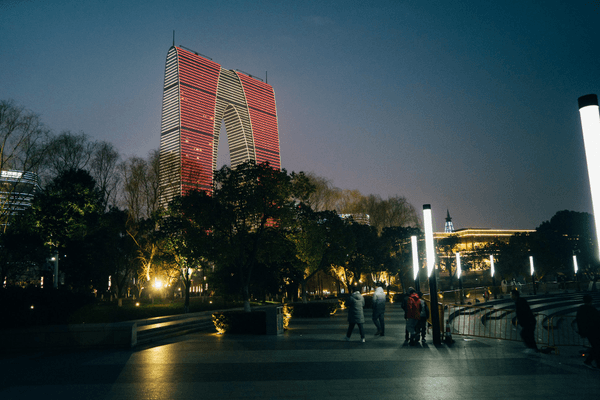
{"colours":256,"dither":1,"effort":7}实际 RGB 颜色数:255下载实际输出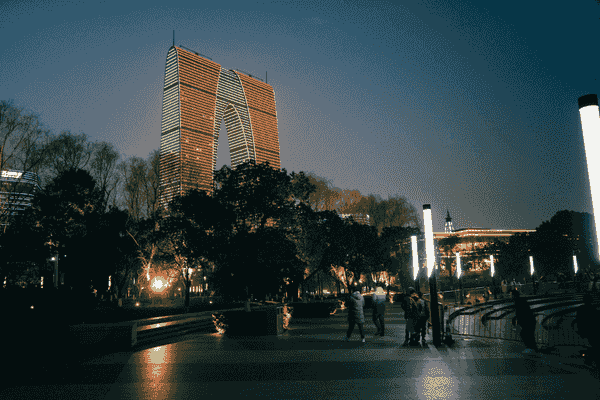
{"colours":16,"dither":1,"effort":7}实际 RGB 颜色数:16下载实际输出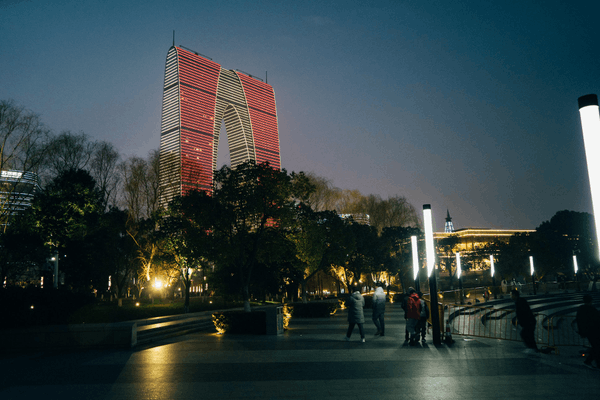
{"colours":256,"dither":0,"effort":7}实际 RGB 颜色数:255下载实际输出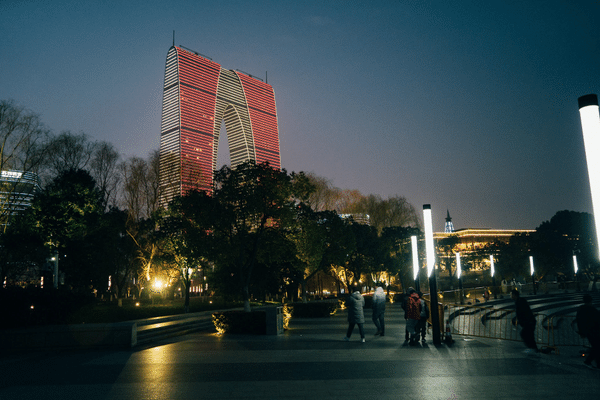
{"colours":256,"dither":1,"effort":1}实际 RGB 颜色数:255下载实际输出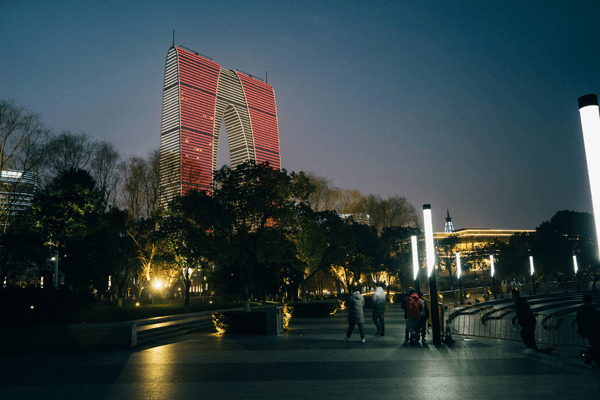
{"colours":256,"dither":1,"effort":10}实际 RGB 颜色数:255下载实际输出pyvips 3.2.0 / libvips 8.17.3
此入口没有 govips 的旧 Quality 字段;这里只比较它实际支持的 GIF 参数。
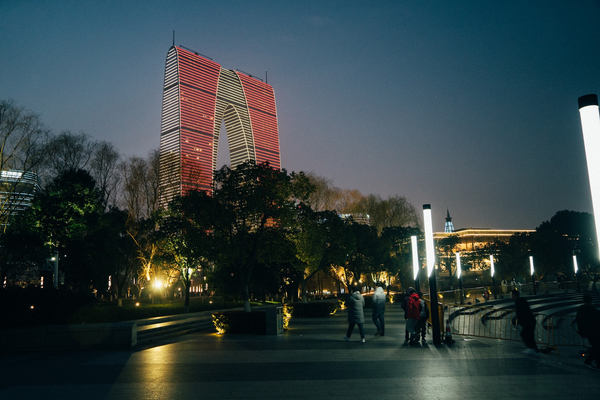
{"width":600,"height":400}ICC: 3048 字节下载实际输出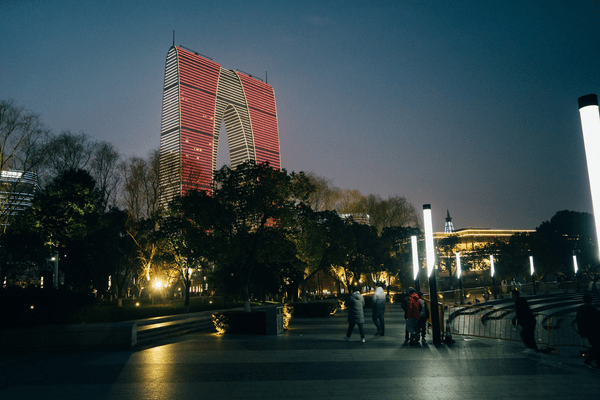
{"bitdepth":8,"dither":1,"effort":7}实际 RGB 颜色数:255下载实际输出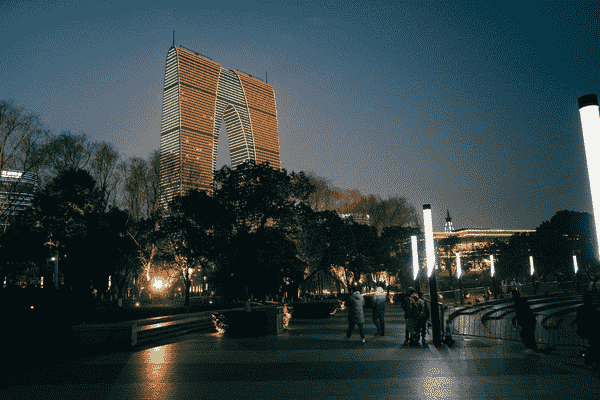
{"bitdepth":4,"dither":1,"effort":7}实际 RGB 颜色数:16下载实际输出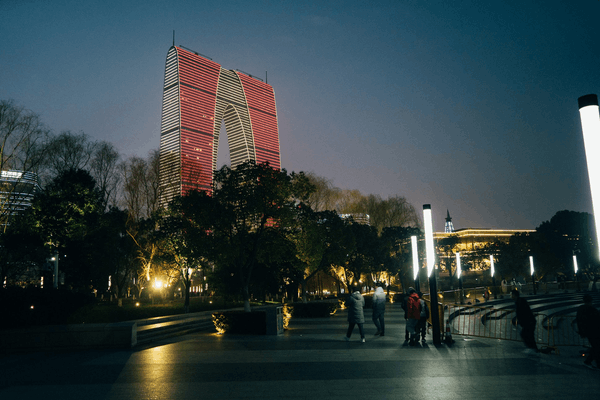
{"bitdepth":8,"dither":0,"effort":7}实际 RGB 颜色数:255下载实际输出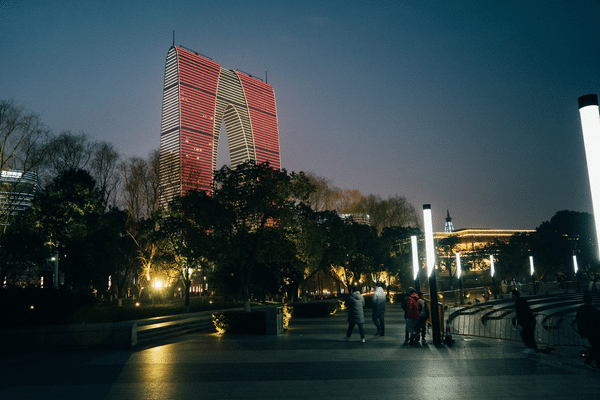
{"bitdepth":8,"dither":1,"effort":1}实际 RGB 颜色数:255下载实际输出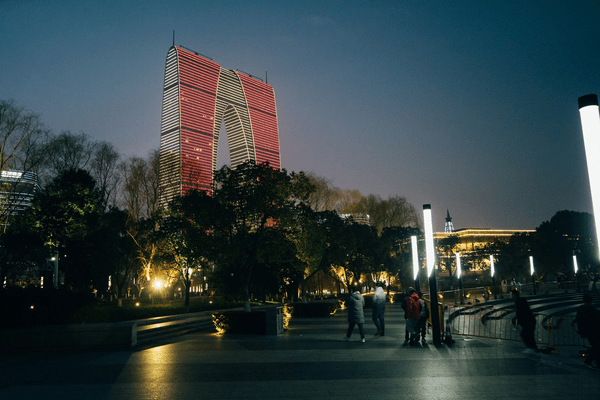
{"bitdepth":8,"dither":1,"effort":10}实际 RGB 颜色数:255下载实际输出vipsCli 8.17.3 / libvips 8.17.3
此入口没有 govips 的旧 Quality 字段;这里只比较它实际支持的 GIF 参数。
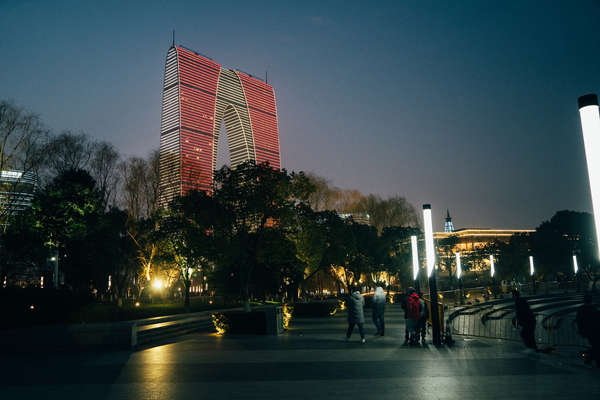
{"width":600,"height":400}ICC: 3048 字节下载实际输出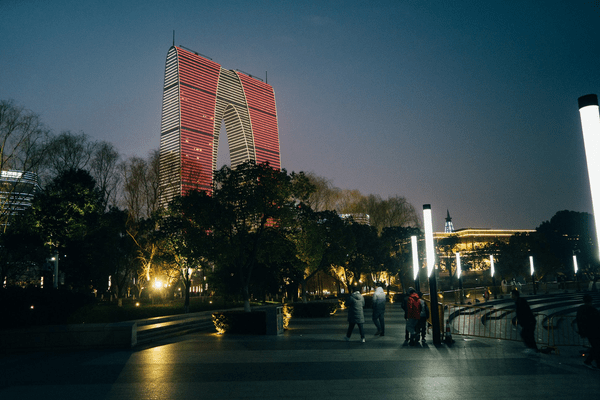
{"bitdepth":8,"dither":1,"effort":7}实际 RGB 颜色数:255下载实际输出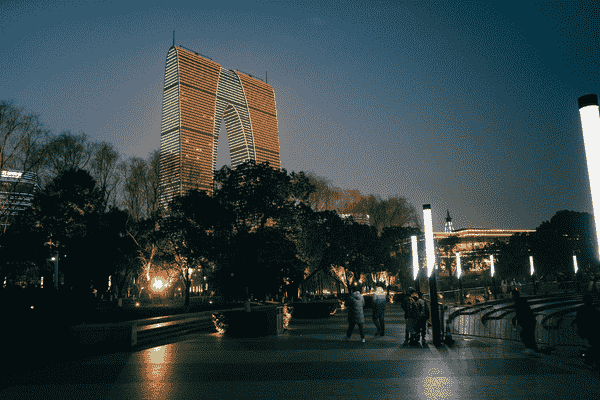
{"bitdepth":4,"dither":1,"effort":7}实际 RGB 颜色数:16下载实际输出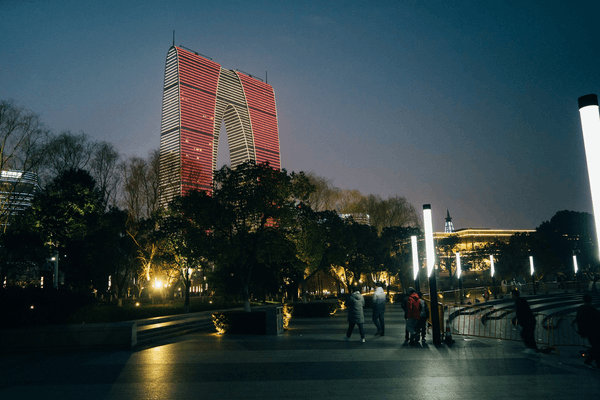
{"bitdepth":8,"dither":0,"effort":7}实际 RGB 颜色数:255下载实际输出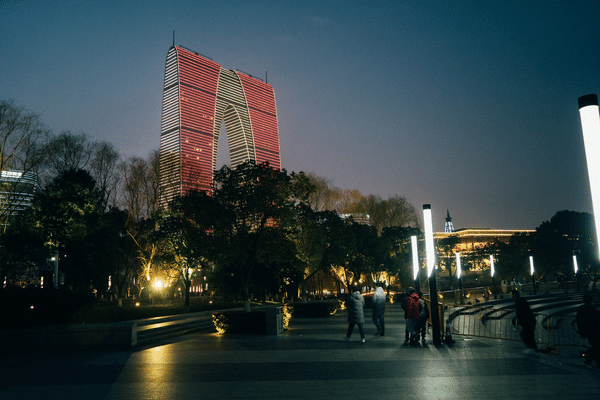
{"bitdepth":8,"dither":1,"effort":1}实际 RGB 颜色数:255下载实际输出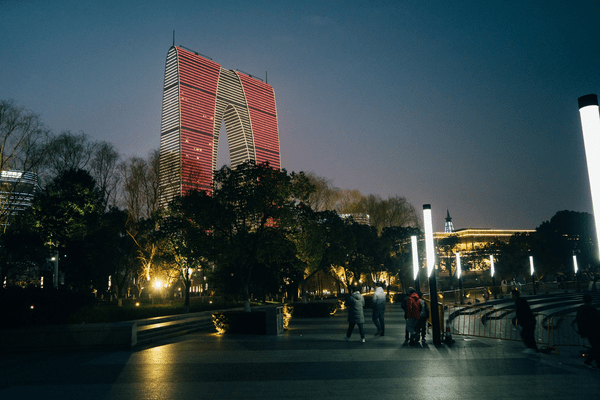
{"bitdepth":8,"dither":1,"effort":10}实际 RGB 颜色数:255下载实际输出为什么 Quality 没有效果
Section titled “为什么 Quality 没有效果”libvips 原生 gifsave 没有 JPEG 式的 quality 选项。govips 的字段用于早期 libvips 的 ImageMagick 回退路径;本例的 govips v2.20.0 / libvips 8.17.3 使用原生保存器,两个 Quality 值生成的 GIF 字节完全相同,重新解码的像素也相同。
这只证明本例原生路径的行为,不代表所有版本或其他 binding 的同名参数都无效。sharp 的 GIF 选项不提供这个 govips 旧字段,其他三个入口不制造 Quality 对照。
用有效参数控制结果
Section titled “用有效参数控制结果”| 目标 | 本例的做法 | 需要注意 |
|---|---|---|
| 限制调色板颜色数量 | 只把 Bitdepth 从 8 改为 4;sharp 对应 colours: 16 |
位深给出上限,实际颜色数还受输入与透明索引保留影响,不保证恰好 16 或 256 色 |
| 观察抖动(dithering) | 保持 8 bit / Effort 7,只把 Dither 从 1 改为 0 | 观察天空和暗部色阶、颗粒;抖动不能增加调色板颜色,也不等于统一的质量档位 |
| 调整编码努力 | 保持 8 bit / Dither 1,只把 Effort 改为 1 或 10 | 更高值允许更多量化计算,不保证文件更小;本例不把耗时作为性能基准 |
govips v2.20.0 还有一个零值边界:Dither=0 不会被传给原生保存器,实际仍使用底层默认抖动。 因此该卡片与基准像素相同;另加的 Dither=0.01 会生效,但它是低抖动,不等同于完全关闭。sharp、pyvips 与 CLI 的 0 值已验证可以关闭抖动。本例显式列出请求参数,避免把 binding 的参数传递差异当成图像规律。interlace 控制渐进加载方式,本例没有将它当作画质参数,也不展示未经验证的 govips 开关。
四个入口均已执行。govips 是参考输出;其他入口的图像与参数可在上方切换查看。一般性的跨入口像素等价仍未验证。
运行命令
go run . photo.jpg output/完整源码
package main

import (
	"fmt"
	"os"
	"path/filepath"

	"github.com/davidbyttow/govips/v2/vips"
	"github.com/webp-sh/vips-handbook/examples/internal/recipeutil"
)

func main() {
	if err := run(os.Args); err != nil {
		fmt.Fprintln(os.Stderr, err)
		os.Exit(1)
	}
}
func run(args []string) error {
	if len(args) != 3 {
		return fmt.Errorf("usage: main INPUT OUTPUT_DIRECTORY")
	}
	if err := os.MkdirAll(args[2], 0o755); err != nil {
		return err
	}
	if err := vips.Startup(nil); err != nil {
		return err
	}
	defer vips.Shutdown()
	outputs := []recipeutil.Output{}
	variants := []struct {
		id                        string
		quality, bitdepth, effort int
		dither                    float64
	}{
		{"baseline", 90, 8, 7, 1}, {"quality-10", 10, 8, 7, 1}, {"quality-90", 90, 8, 7, 1},
		{"bitdepth-4", 90, 4, 7, 1}, {"dither-0", 90, 8, 7, 0}, {"dither-near-zero", 90, 8, 7, 0.01}, {"effort-1", 90, 8, 1, 1}, {"effort-10", 90, 8, 10, 1},
	}
	for _, variant := range variants {
		output, err := makeVariant(args[1], args[2], variant.id, variant.quality, variant.bitdepth, variant.effort, variant.dither)
		if err != nil {
			return err
		}
		outputs = append(outputs, output)
	}
	image, err := vips.NewImageFromFile(args[1])
	if err != nil {
		return err
	}
	defer image.Close()
	if err := image.Resize(600.0/float64(image.Width()), vips.KernelLanczos3); err != nil {
		return err
	}
	output, err := recipeutil.ExportPng(image, args[2], "source.png", map[string]any{"width": 600, "height": 400})
	if err != nil {
		return err
	}
	outputs = append(outputs, output)
	return recipeutil.WriteResult(args[2], "gif-quality", args[1], outputs)
}

func makeVariant(input, dir, id string, quality, bitdepth, effort int, dither float64) (recipeutil.Output, error) {
	image, err := vips.NewImageFromFile(input)
	if err != nil {
		return recipeutil.Output{}, err
	}
	defer image.Close()
	if err := image.Resize(600.0/float64(image.Width()), vips.KernelLanczos3); err != nil {
		return recipeutil.Output{}, err
	}
	params := vips.NewGifExportParams()
	params.Quality = quality
	params.Bitdepth = bitdepth
	params.Effort = effort
	params.Dither = dither
	data, meta, err := image.ExportGIF(params)
	if err != nil {
		return recipeutil.Output{}, err
	}
	name := id + ".gif"
	if err := os.WriteFile(filepath.Join(dir, name), data, 0o644); err != nil {
		return recipeutil.Output{}, err
	}
	return recipeutil.Output{Path: name, Format: "gif", Width: meta.Width, Height: meta.Height, Size: len(data), Parameters: map[string]any{"Quality": quality, "Bitdepth": bitdepth, "Dither": dither, "Effort": effort}}, nil
}
运行命令
node index.mjs photo.jpg output/完整源码
import sharp from 'sharp';
import { mkdir, writeFile } from 'node:fs/promises';
import path from 'node:path';
const [input, out] = process.argv.slice(2);
if (!input || !out) throw new Error('usage: node index.mjs INPUT OUTPUT_DIRECTORY');
await mkdir(out, { recursive: true });
const outputs = [];
async function save(pipeline, name, parameters) {
  await pipeline.toFile(path.join(out, name));
  outputs.push({ path: name, parameters });
}
const variants = [
  ['baseline', 8, 1, 7], ['bitdepth-4', 4, 1, 7], ['dither-0', 8, 0, 7],
  ['effort-1', 8, 1, 1], ['effort-10', 8, 1, 10],
];
await save(sharp(input).resize(600, 400).png(), 'source.png', { width: 600, height: 400 });
for (const [id, bitdepth, dither, effort] of variants) {
  const options = { colours: 2 ** bitdepth, dither, effort };
  await save(sharp(input).resize(600, 400).gif(options), `${id}.gif`, options);
}
// sharp GIF options do not expose govips's legacy Quality field.

await writeFile(path.join(out, 'result.json'), JSON.stringify({ recipeId: 'gif-quality', input: path.basename(input), generator: { sharp: sharp.versions.sharp, libvips: sharp.versions.vips }, outputs }, null, 2) + '\n');
运行命令
python3 main.py photo.jpg output/完整源码
import json
from pathlib import Path
import sys
import pyvips

if len(sys.argv) != 3:
    raise SystemExit("usage: python3 main.py INPUT OUTPUT_DIRECTORY")
source, out = Path(sys.argv[1]), Path(sys.argv[2])
out.mkdir(parents=True, exist_ok=True)
outputs = []

def record(name, parameters):
    outputs.append({"path": name, "parameters": parameters})

image = pyvips.Image.new_from_file(str(source))
image = image.resize(600 / image.width, kernel="lanczos3")
image.pngsave(str(out / "source.png"))
record("source.png", {"width": 600, "height": 400})
for name, bitdepth, dither, effort in [("baseline", 8, 1, 7), ("bitdepth-4", 4, 1, 7), ("dither-0", 8, 0, 7), ("effort-1", 8, 1, 1), ("effort-10", 8, 1, 10)]:
    options = dict(bitdepth=bitdepth, dither=dither, effort=effort)
    image.gifsave(str(out / f"{name}.gif"), **options)
    record(f"{name}.gif", options)

(out / "result.json").write_text(json.dumps({"recipeId": "gif-quality", "input": source.name, "generator": {"pyvips": pyvips.__version__, "libvips": ".".join(str(pyvips.version(i)) for i in range(3))}, "outputs": outputs}, indent=2) + "\n")
运行命令
bash run.sh photo.jpg output/完整源码
#!/usr/bin/env bash
set -euo pipefail
if [[ $# -ne 2 ]]; then
  echo 'usage: bash run.sh INPUT OUTPUT_DIRECTORY' >&2
  exit 2
fi
input="$1"
out="$2"
mkdir -p "$out"
scratch="$(mktemp -d)"
trap 'rm -rf "$scratch"' EXIT
width="$(vipsheader -f width "$input")"
scale="$(python3 - "$width" <<'SCALE'
import sys
print(600 / int(sys.argv[1]))
SCALE
)"
vips resize "$input" "$out/source.png" "$scale" --kernel lanczos3
vips gifsave "$out/source.png" "$out/baseline.gif" --bitdepth 8 --dither 1 --effort 7
vips gifsave "$out/source.png" "$out/bitdepth-4.gif" --bitdepth 4 --dither 1 --effort 7
vips gifsave "$out/source.png" "$out/dither-0.gif" --bitdepth 8 --dither 0 --effort 7
vips gifsave "$out/source.png" "$out/effort-1.gif" --bitdepth 8 --dither 1 --effort 1
vips gifsave "$out/source.png" "$out/effort-10.gif" --bitdepth 8 --dither 1 --effort 10

python3 - "$input" "$out" <<'METADATA'
import json
from pathlib import Path
import subprocess
import sys
source, out = Path(sys.argv[1]), Path(sys.argv[2])
version = subprocess.check_output(["vips", "--version"], text=True).strip().removeprefix("vips-")
outputs = [{'path': 'source.png', 'parameters': {'width': 600, 'height': 400}}, {'path': 'baseline.gif', 'parameters': {'bitdepth': 8, 'dither': 1, 'effort': 7}}, {'path': 'bitdepth-4.gif', 'parameters': {'bitdepth': 4, 'dither': 1, 'effort': 7}}, {'path': 'dither-0.gif', 'parameters': {'bitdepth': 8, 'dither': 0, 'effort': 7}}, {'path': 'effort-1.gif', 'parameters': {'bitdepth': 8, 'dither': 1, 'effort': 1}}, {'path': 'effort-10.gif', 'parameters': {'bitdepth': 8, 'dither': 1, 'effort': 10}}]
(out / "result.json").write_text(json.dumps({"recipeId": "gif-quality", "input": source.name, "generator": {"vipsCli": version, "libvips": version}, "outputs": outputs}, indent=2) + "\n")
METADATA
如何判断修改有效
Section titled “如何判断修改有效”- 重新解码每个 GIF,确认仍为 600×400,而不是把缩小图片造成的体积变化误认为参数效果。
- 比较 Quality 两个值的字节与像素;本例两者均一致。
- 对低位深输出统计实际 RGB 颜色数,检查不超过上限;对 Dither 的有效值比较解码像素;govips 还检查 0 值被忽略、0.01 实际生效。
- 结合画面与字节数选择参数,不根据 Effort 数值推导固定的体积收益。
验证边界与来源
Section titled “验证边界与来源”复核日期:2026-10-26。参考环境为 govips v2.20.0 / libvips 8.17.3;sharp 0.35.5 使用自带的 libvips 8.18.7,pyvips 3.2.0 与 CLI 使用 libvips 8.17.3。
本例是照片转静态 GIF,不验证旧版 ImageMagick 回退,也不覆盖动画优化。关于只剩第一帧和帧高问题,参见动画与多页图像。