
缩放:fit、cover 与裁剪位置
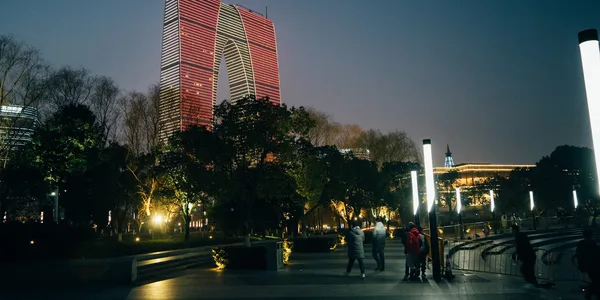
缩放要先选定画布,再选定裁剪策略。fit inside 把整张图放进 400 × 400,不放大小图。cover 把结果铺满 600 × 300,这张横图因此需要从上下裁掉一部分。裁切焦点可以是中心(centre)、靠上边缘(north),或信息熵较高的区域(entropy)。正方形 cover 在横图上只会裁左右两侧,north 不会改变画面,所以这里使用更宽的目标尺寸来展示上方裁剪效果。
固定坐标裁剪、任意角度旋转和翻转见基础几何变换:缩放、裁剪、旋转与翻转。
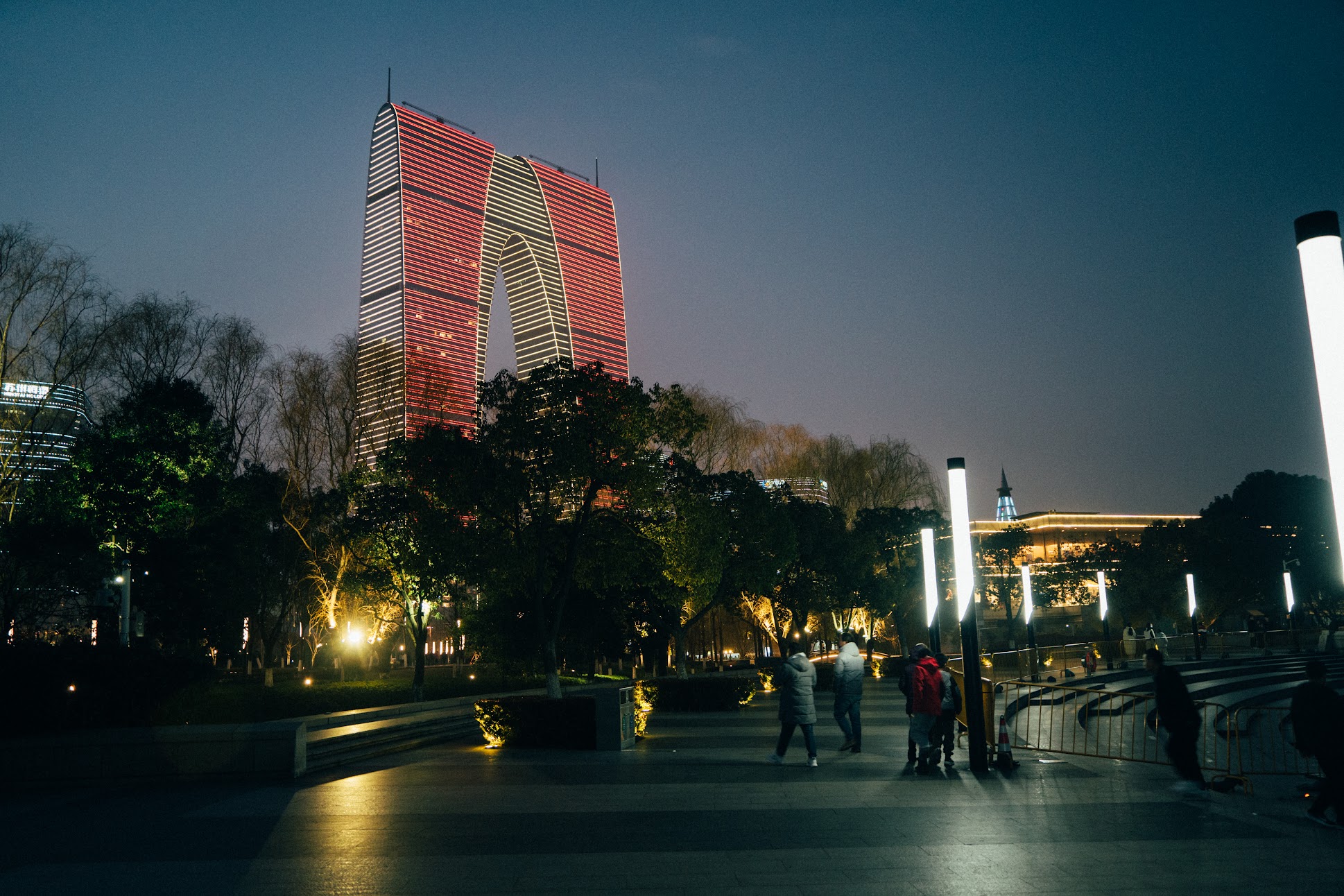
参考图由 govips v2.19.0 通过缩略图接口生成,链接 libvips 8.17.3,WebP quality 82,且禁止放大。north 在 libvips 里对应 crop=low:在这个更宽的目标画布上,裁剪发生在垂直方向,低坐标即保留上方区域。sharp 使用 position: "north" 表达同一产品意图。
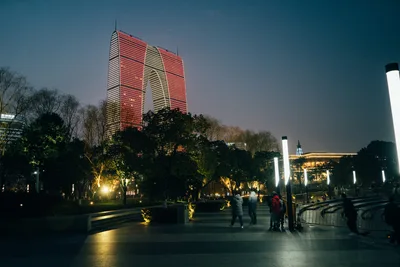
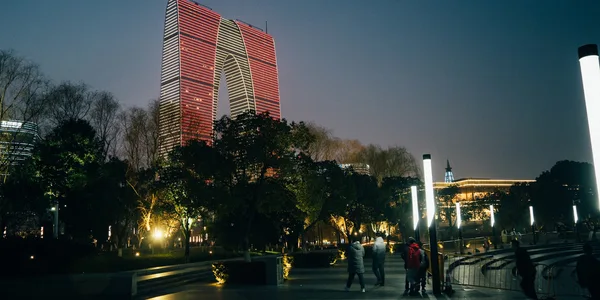
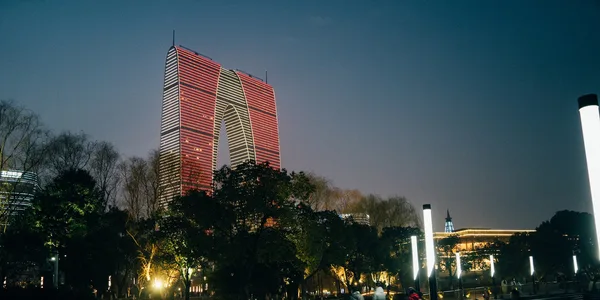
if err := vips.Startup(nil); err != nil { return err }defer vips.Shutdown()
write := func(name string, width, height int, crop vips.Interesting) error {    image, err := vips.NewThumbnailWithSizeFromFile("input.jpg", width, height, crop, vips.SizeDown)    if err != nil { return err }    defer image.Close()    params := vips.NewWebpExportParams()    params.Quality = 82    data, _, err := image.ExportWebp(params)    if err != nil { return err }    return os.WriteFile(name, data, 0o644)}if err := write("fit-inside.webp", 400, 400, vips.InterestingNone); err != nil { return err }if err := write("cover-centre.webp", 600, 300, vips.InterestingCentre); err != nil { return err }if err := write("cover-north.webp", 600, 300, vips.InterestingLow); err != nil { return err }return write("cover-entropy.webp", 600, 300, vips.InterestingEntropy)
const jobs = [ ['fit-inside.webp', { width: 400, height: 400, fit: 'inside', withoutEnlargement: true }], ['cover-centre.webp', { width: 600, height: 300, fit: 'cover', position: 'centre', withoutEnlargement: true }], ['cover-north.webp', { width: 600, height: 300, fit: 'cover', position: 'north', withoutEnlargement: true }], ['cover-entropy.webp', { width: 600, height: 300, fit: 'cover', position: 'entropy', withoutEnlargement: true }],];for (const [name, resize] of jobs) { await sharp('input.jpg').resize(resize).webp({ quality: 82 }).toFile(name);}jobs = [ ("fit-inside.webp", "none", 400, 400), ("cover-centre.webp", "centre", 600, 300), ("cover-north.webp", "low", 600, 300), ("cover-entropy.webp", "entropy", 600, 300),]for name, crop, width, height in jobs: image = pyvips.Image.thumbnail("input.jpg", width, height=height, size="down", crop=crop) image.write_to_file(name, Q=82)vips thumbnail input.jpg 'fit-inside.webp[Q=82]' 400 --height 400 --size down --crop nonevips thumbnail input.jpg 'cover-centre.webp[Q=82]' 600 --height 300 --size down --crop centrevips thumbnail input.jpg 'cover-north.webp[Q=82]' 600 --height 300 --size down --crop lowvips thumbnail input.jpg 'cover-entropy.webp[Q=82]' 600 --height 300 --size down --crop entropyfit-inside 输出为 400 × 267,三张 cover 输出均为 600 × 300,均为 3 通道且无 Alpha 通道。sharp 使用随包捆绑的 libvips 8.18.7,其余三个入口使用系统 libvips 8.17.3。基于信息熵的裁剪依赖图像内容分布,不应假定其裁剪窗口等同于固定坐标。
访问模式决定了大图生成缩略图时能否保持在顺序读取路径,详见顺序访问、随机访问与实体化。